
Book Review: Get Set Procreate: A practical guide, filled with tips, tricks, and best practices, for illustrating on an iPad
Review copy provided by Packt Publishing


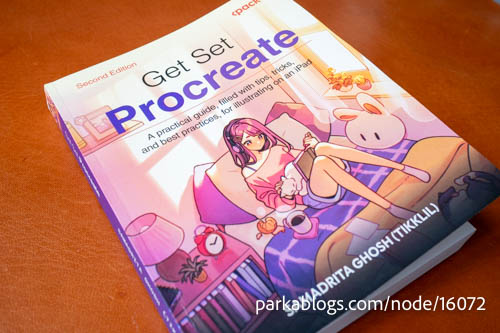
Get Set Procreate by Samadrita Ghosh, published by Packt Publishing, is a comprehensive guide for beginners to all drawing tools and features available in Procreate.
The book's a 498-page paperback and there's a Kindle version available too. If you buy the physical book, you'll also get a free PDF version of the book. Prices for the physical and digital are USD 49 and USD 29.
This second edition was published in August 2026 and covers Procreate 5.4. So this will cover the latest features such as Page Assist and 3D model painting from v5.2 and the new brush library from v5.4.
Procreate is an extremely popular so there is a lot of free educational content and tutorials teaching this app on Youtube available. The advantage provided by the book is all the learning materials are conveniently gathered in a single package, and everything's structured in sequential learning order.
Learning through free tutorials on Youtube is possible. Many have done so. But if you don't know that a certain tool or feature exists, then you won't know to search for those tutorials. E.g. If you don't know Procreate can be used to create animation, you may not know there's even such a tool in the app called Animation Assist.
Here are the chapters in the book:
- Part 1: UI Overview
- Getting Started – the Canvas and Gallery
- Understanding Your Workspace
- Using Gestures and Shortcuts
- Part 2: Utility and Features
- Working with Layers
- Painting Tools and Brush Libraries
- The Brush Studio – Editing and Combining Brushes
- Using Color Tools
- Applying Image Effects with Adjustments
- Assisted Drawing Tools
- Animating on Procreate
- Sketchbooking with Page Assist
- Painting on 3D Models
- Part 3: Tutorials
- Rendering a Character with Blend Modes
- Making Manga on Procreate
The book seems pretty detailed. When talking about Brush Studio even goes through the many settings for tweaking a brush which is quite helpful because sometimes the name of the setting is not self explanatory.
Procreate has so many tools and features so there's a lot to learn. You can search for "top 10 Procreate tips" on Youtube but after a while you'll be wasting time watching the same tip being repeated by countless Youtubers.
Having the digital copy is probably better if you have an additional monitor to spare. That way you can read the ebook and practice on your iPad at the same time. The paperback book does not open completely flat so you may need to always have one hand on the book.
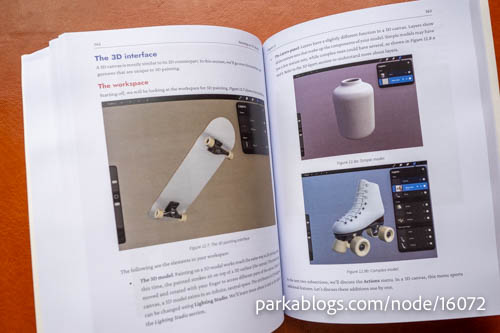
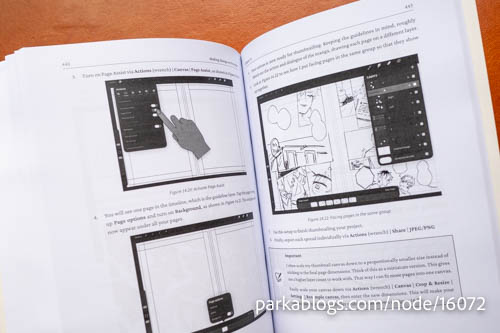
Here's the awkward paragraph where I have to say that much of the content in the book is already available from the Procreate Handbook, Procreate's official online manual. The book does offer extra pictures to show certain features, e.g. showing how different layer blend modes actually look instead of just writing, and in the Brush Studio section it shows what the settings actually affect visually.
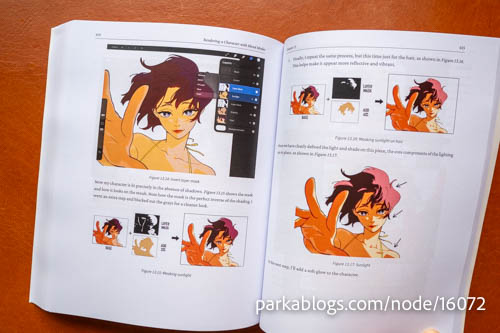
And there are two tutorials at the back of the book, one teaches you how to use blend modes to create a comic character, and the other teaches you how to use Page Assist to create comic pages.
This is a good book, for the fact that it is quite comprehensive, but I kinda wish there are more step by step tutorials that teaches the workflow, not just the tools.
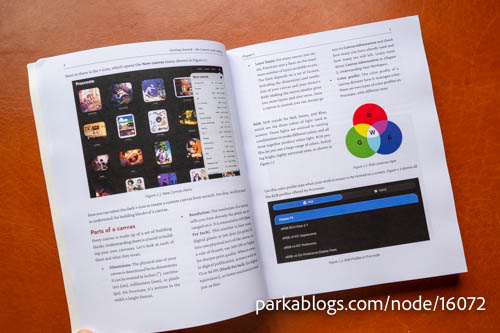
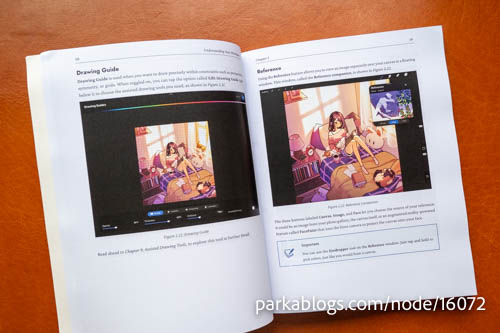
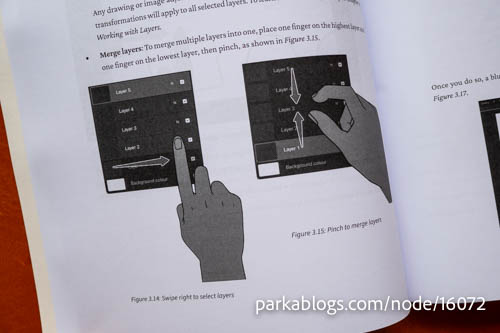
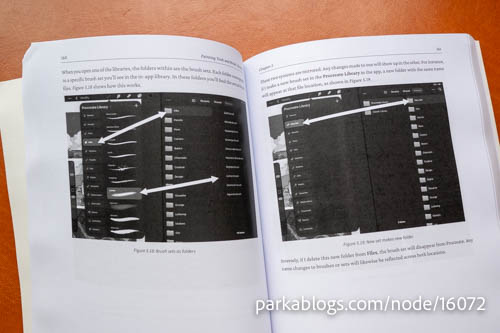
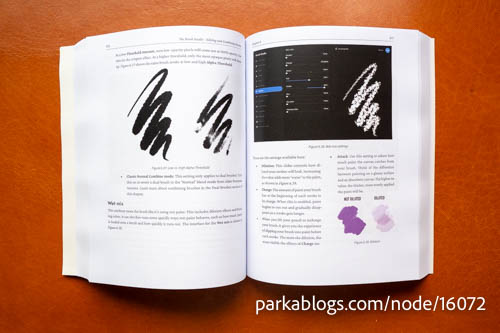
The book has pictures that shows how the brush will look when certain attributes are shown.
Visit Amazon to check out more reviews.
The links below are affiliate links, which means I earn some commission from each purchase, but at no extra cost to you.
Here are direct links to the book:
Amazon.com | Amazon.ca | Amazon.co.uk | Amazon.de | Amazon.fr | Amazon.it | Amazon.es | Amazon.co.jp


Add new comment