
Review: Bigme F13 e-ink photo frame

Review sample provided by Bigme
The Bigme F7 is a 13.3-inch e-ink photo frame that uses Spectra 6 display technology.
Price at the time of review is USD 269. The price is much higher compared to the smaller Bigme F7 and F7 Pro photo frames I've reviewed months ago, and that's to be expected.

Here's the bottom line. I like this photo frame because it's big and makes looking at your photos very satisfying. I could also transfer my watercolour sketches to it and it's really cool to be able to display my own art this way. Battery life is rated for 1.5 years so this e-ink photo frame pretty much works just like... a real photo frame, except you have the convenient of swapping out photos easily.
Downside is photo transfer with the app does not work consistently. More on that later.
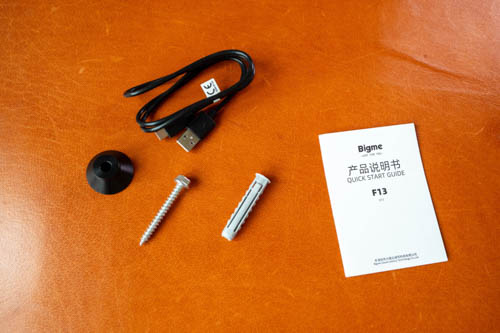
The purchase will get you the photo frame, a screw, wall plug, hanger, USB-A to USB-C charging cable and quick start guide.
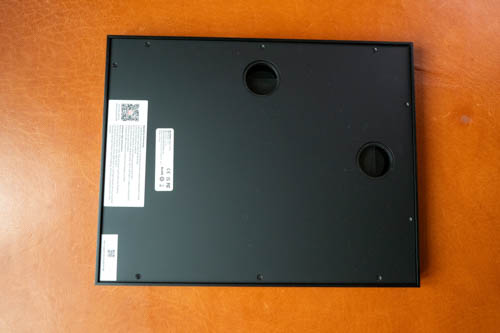
This photo frame is designed to be hanged vertically or horizontally. You, of course, need to drill a hole in your wall before you can hang the photo frame.
There's no stand included like the smaller Bigme photo frames.
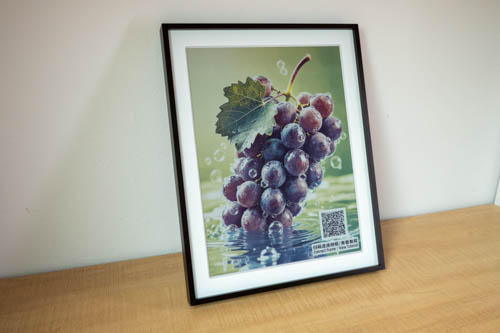
The photo frame can also lean against a wall if you prefer.
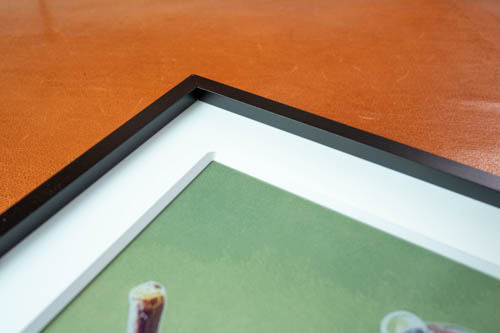
This is a well made photo frame with solid build quality. The exterior is probably plastic but it's dense plastic. Interior white frame is matte textured, and also plastic, and thick.
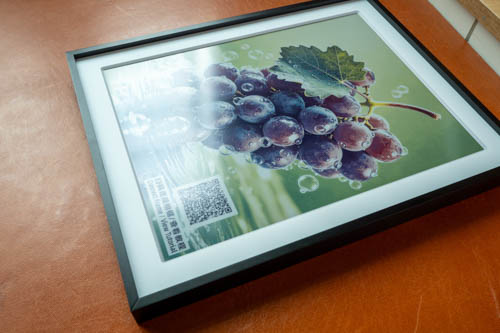
The 13.3-inch Spectra 6 e-ink display is matte textured. From what I've read, it uses six pigments black, white, red, yellow, blue, and green, and can produce up to 60,000 colours.

Resolution is 1600 by 1200 and pixelation is not noticeable from normal viewing distance away. A photo frame is not gonna be viewed that closely, but if you do look close you can see the grain of the e-ink making up the picture.
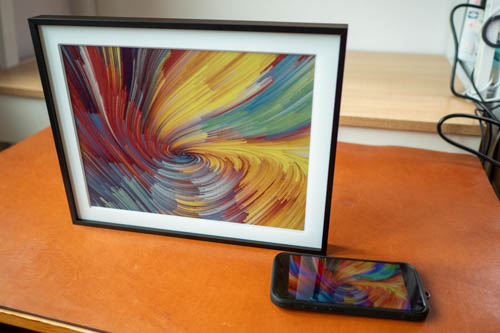
E-ink will not be as vibrant compared to LCD or OLED displays so that's not surprising. The selling point here is e-ink does not use any power once the picture is drawn, and picture will remain as long as ever before you change to another picture.
I notice reds are not as vibrant but that's not really an issue. Colours will look best when there's light shining on the display, but not directly in front because you don't want the diffused reflections. So it's best to place the photo frame in a bright place with good lighting.
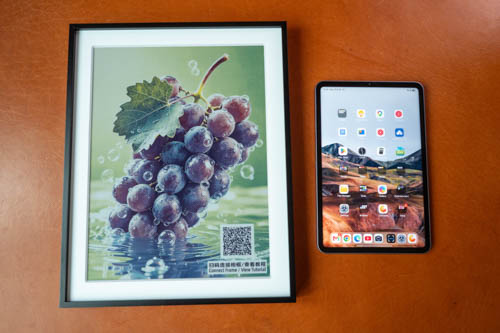
This is how big the Bigme B13 is compared to my 8.8-inch Xiaomi Pad Mini which is bigger than the other 7.3-inch Bigme e-ink photo frames.
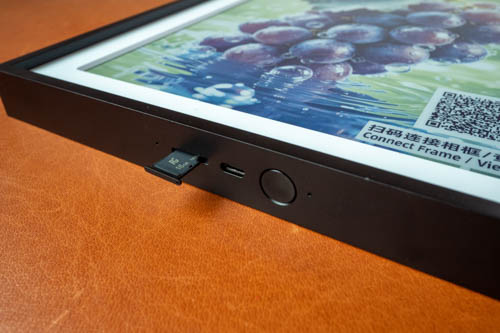
There's a microSD card slot provided so I guess you can load your pictures from a microSD card. From the user manual, it says the pictures should be in .bin file format which is weird as jpeg is more popular. Anyway, I did not test that as transferring photo from the app is more convenient.
The app
There's a QR code you can scan from the back of the photo frame to install the app, available from Google Play Store or Apple App Store.
The photo frame will need wifi 2.4Ghz to connect to your phone. It may take several tries to connect to the phone. There's a power button you can press and hold for 3 seconds to get into pairing mode.
After the app is connected to the photo frame, you can transfer a picture over or pictures over if you want a slideshow.
There are some AI features which I think are quite gimmicky. The AI can answer simple questions with voice, and you can tell AI to draw you an image.
Photo frame has to be awake before you can transfer photos. Downside is there's no way to know whether the photo frame is awake by looking at it or at the app. Sometimes I have to press the power button several times to wake the photo frame. It's annoying to have to try several times before you can transfer a photo over but once the photo is transferred you won't be transferring a new photo anytime soon.
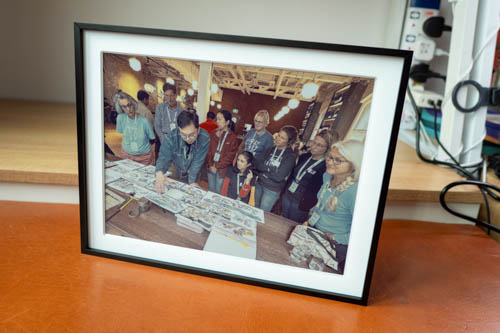
Looking at photos that brings back memories lets you appreciate the good old times.
If you want a nice big e-ink photo frame, the Bigme F13 is one I can recommend. This photo frame is available from the Bigme online store.


Add new comment